Claude Opus 5 Practical Guide and Best Practices

claude-opus-5 anthropic prompt-engineering claude-code ai-agents

Zusammenfassung

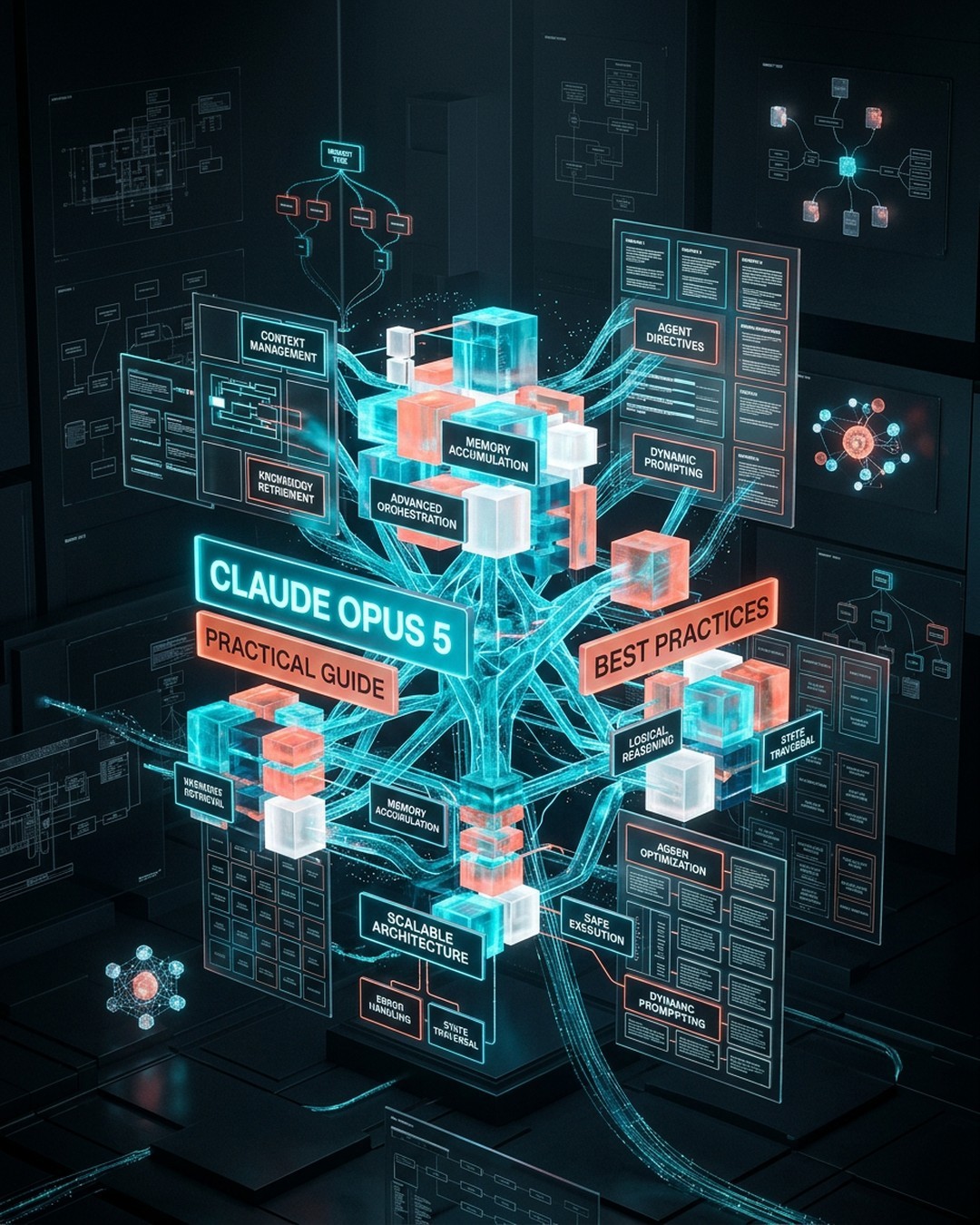
Mindmap Titelbild
KI Generiertes Titelbild

Anthropic recently released Claude Opus 5, a flagship AI model specializing in complex agentic programming and enterprise-level tasks at half the cost of its predecessor. To maximize cost-effectiveness and output quality, users must adapt prompt engineering strategies, utilize memory mechanisms, and package repetitive workflows into Skills. The author analyzes the behavioral changes of Opus 5, emphasizing that it should be treated as a diligent agent rather than a simple chatbot. Key recommendations include removing redundant verification steps, managing the effort parameter to control computational costs, and properly configuring thinking mode to avoid runtime errors. To maintain project context across sessions, developers should implement a combination of manually written CLAUDE.md files for core facts and rules, automated memory for self-learned project insights, and modular Skills for multi-step processes. These tools function cooperatively to streamline development and reduce token consumption. By aligning prompt designs with Opus 5 capabilities and eliminating outdated workarounds from older models, developers can significantly boost productivity, reduce execution time, and achieve optimal performance across complex software engineering workflows.

Schlüsselpunkte

01

🔹 Prompt Engineering Adjustments for Claude Opus 5

【📌 Core Principle】Treat Opus 5 as a diligent agent rather than a chatbot by giving judgment instead of rigid rules. 【🔸 Action Items】Remove outdated verification steps as Opus 5 self-verifies, restrict subagent delegation to truly independent and parallelizable tasks, and use length calibration constraints to prevent overly verbose outputs.

02

🔸 Effort Parameter and Thinking Mode Configuration

【📌 Computational Control】The effort parameter controls reasoning depth ranging from low, medium, high, xhigh, to max. 【⭐ Best Practices】Start with high effort for complex tasks and lower it to save costs on routine tasks. Keep thinking mode enabled by default to prevent HTTP 400 errors and avoid structural tool call failures.

03

⭐ Cross-Session Context Management with CLAUDE.md

【📌 Static Facts Storage】CLAUDE.md stores permanent project facts, build commands, and coding conventions across sessions. 【📐 Optimization Tips】Keep files under 200 lines using Markdown bullet points, place them across organizational, user, or project scopes, and utilize path-specific rules via frontmatter to save context space.

04

📊 Automated Memory Accumulation

【📌 Dynamic Learning】Automatic memory enables Claude to autonomously store debugging insights, architecture notes, and style preferences in ~/.claude/projects/MEMORY.md without manual intervention. 【⚡ Synchronization】Memory files are machine-local and shared across git worktrees, allowing users to update preferences conversationally.

05

💡 Workflow Packaging Using Skills

【📌 Reusable Processes】Skills package multi-step workflows, checklists, and custom commands into dedicated directories with a SKILL.md entry point. 【🚀 Dynamic Features】Skills support dynamic context injection using shell commands like git diff HEAD and load into context only when invoked, minimizing token overhead.

Möchten Sie Ihre eigene Mindmap erstellen?

Melden Sie sich bei Neumap AI an und beginnen Sie mit der Erstellung Ihrer eigenen Mindmaps!

Loslegen